Multitech MTSGSM Guía de usuario Pagina 13
- Pagina / 81
- Tabla de contenidos
- SOLUCIÓN DE PROBLEMAS
- MARCADORES

- Model MTSGSM 1
- SoftGSM Kit 1
- User Guide 2
- Record of Revisions 2
- Trademarks 2
- EMC and Safety Compliance 2
- Contents 3
- Chapter 6 - Troubleshooting 4
- Appendices 4
- Glossary 4
- Preview of this Guide 6
- Related Documentation 7
- Technical Specifications 8
- User Interface 9
- Computers supported 9
- Chapter 2 - Getting Started 11
- Unpacking 12
- Requirements 12
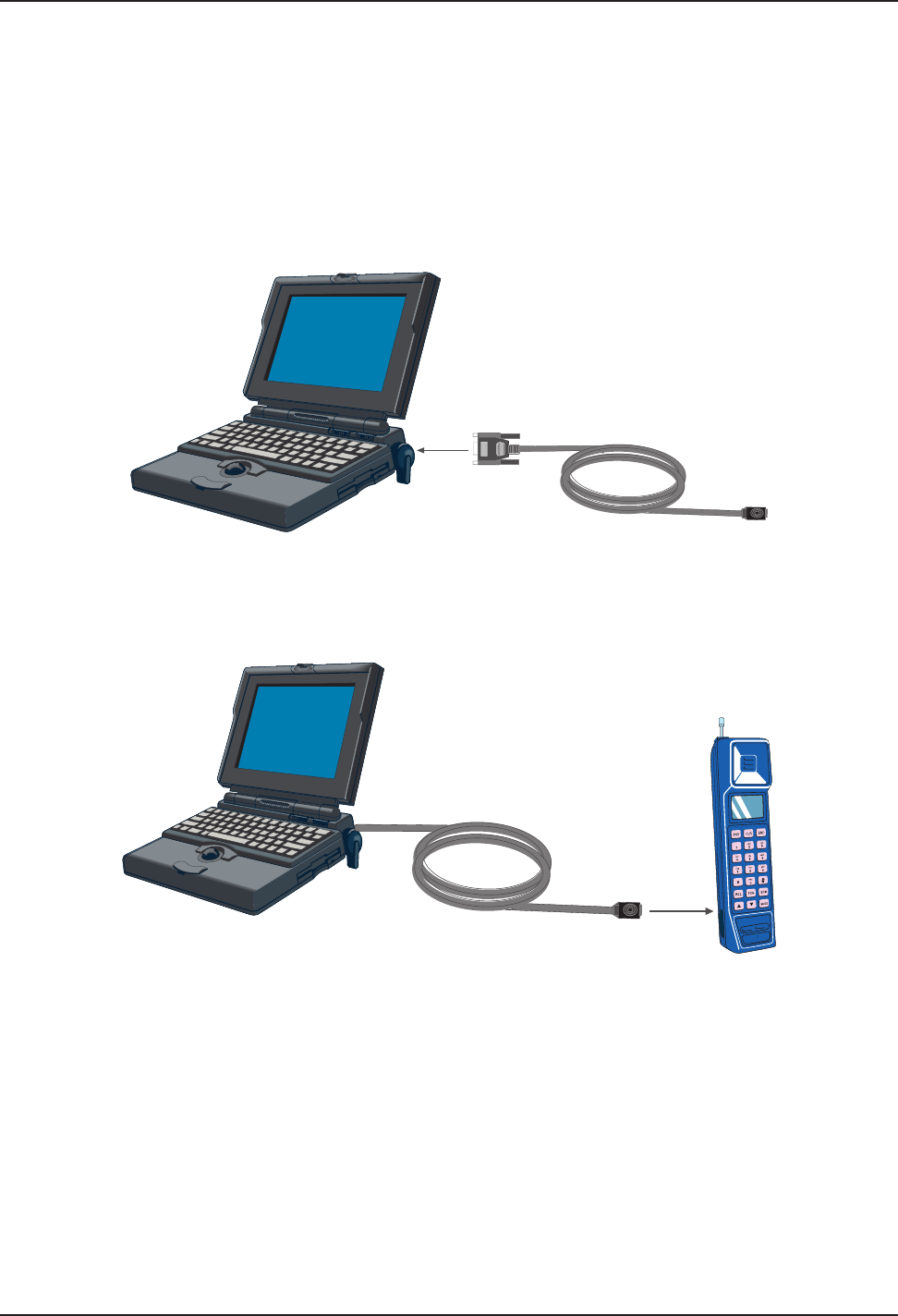
- Phone Connector 13
- SoftGSM Kit 15
- Installing the Software 16
- Loading your Driver Software 16
- Utility Software 19
- Settings 20
- Getting Help 20
- Introduction 22
- Short Message Service Utility 22
- Phonebook Utility 23
- New Phonebook 24
- New Record 24
- Read Phonebook 25
- Write Phonebook 25
- Phonebook File 27
- Type of Outgoing SMS 27
- Log Modemconversation 28
- S-Registers and Error Codes 29
- Fax AT Commands 34
- Extended AT Commands 35
- <space 37
- 0xd 0xa 0x3e 0x20 37
- S-Registers 42
- Error Codes 45
- Windows 95/98 FAQs 51
- Windows NT FAQs 51
- Troubleshooting Procedures 52
- Limited Warranty 55
- Tech Support 55
- The Multi-Tech BBS 56
- About the Internet 57
- About GSM Data 60
- Transparent Mode 61
- Non-transparent Mode 61
- GSM Data Benefits 61
- GSM Data Applications 62
- GSM Data Support 63
- For More Information 65
- GSM Acronyms 71
- MTASR1-100 80
© 2020, manymanuals.es. Todos los derechos reservados | 0.013 s |
 Manymanuals.com
 Manymanuals.de
 Manymanuals.fr
 Manymanuals.it
 Manymanuals.pl
 Manymanuals.cz
 Manymanuals.es
 Manymanuals-pt.com
Comentarios a estos manuales